PlatePal

Load the bar. No guesswork.

PlatePal PlatePal
Get PlatePal Free on the App Store for iPhone
Download on the App Store

Load it. Build it. Log it. Share it.

Type your target weight or build the bar plate by plate — both live in one Load tab — then copy your logged weights to your gym app or share your session as a branded card.

PlatePal Enter Weight mode

Enter Weight

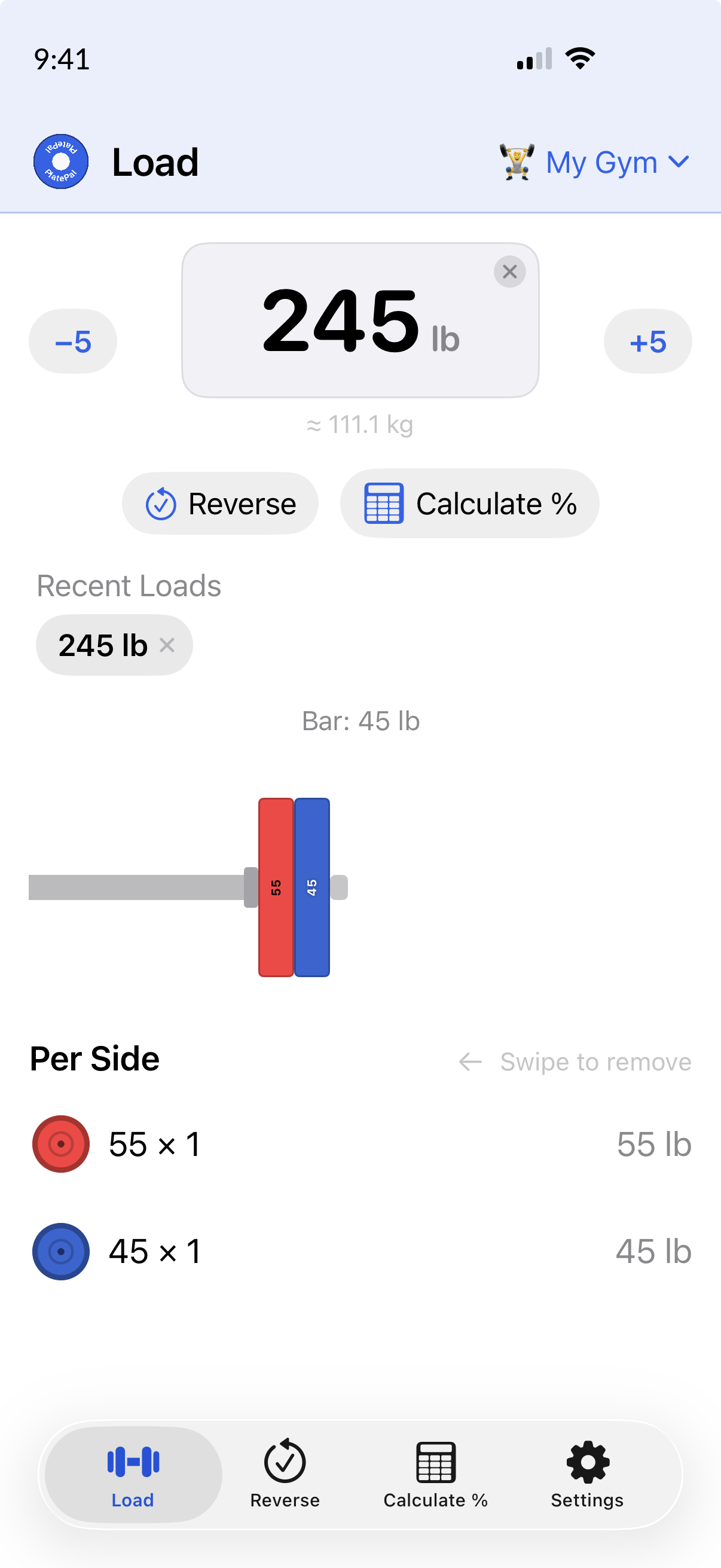
Type a weight, see the plates.

PlatePal Add Plates mode

Add Plates

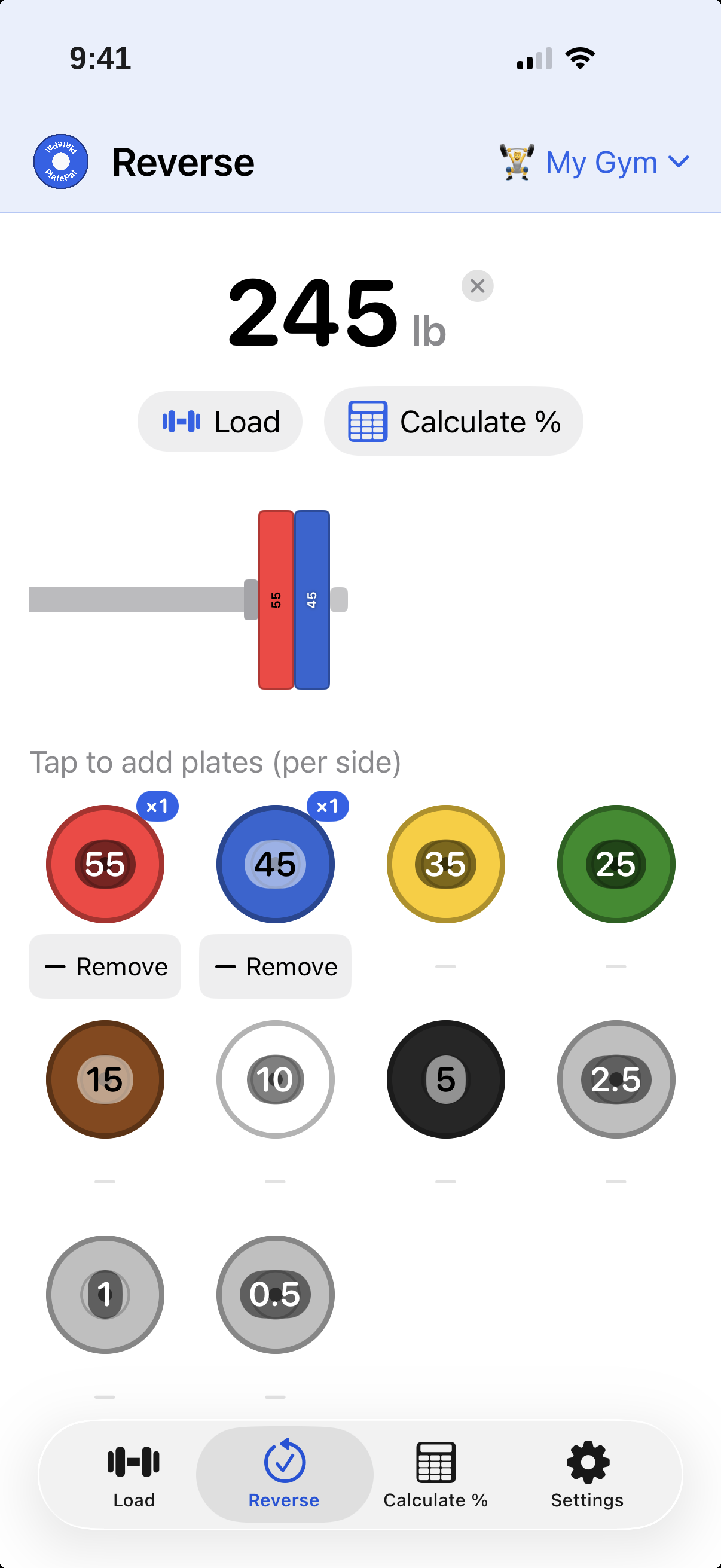
Tap plates, see the total.

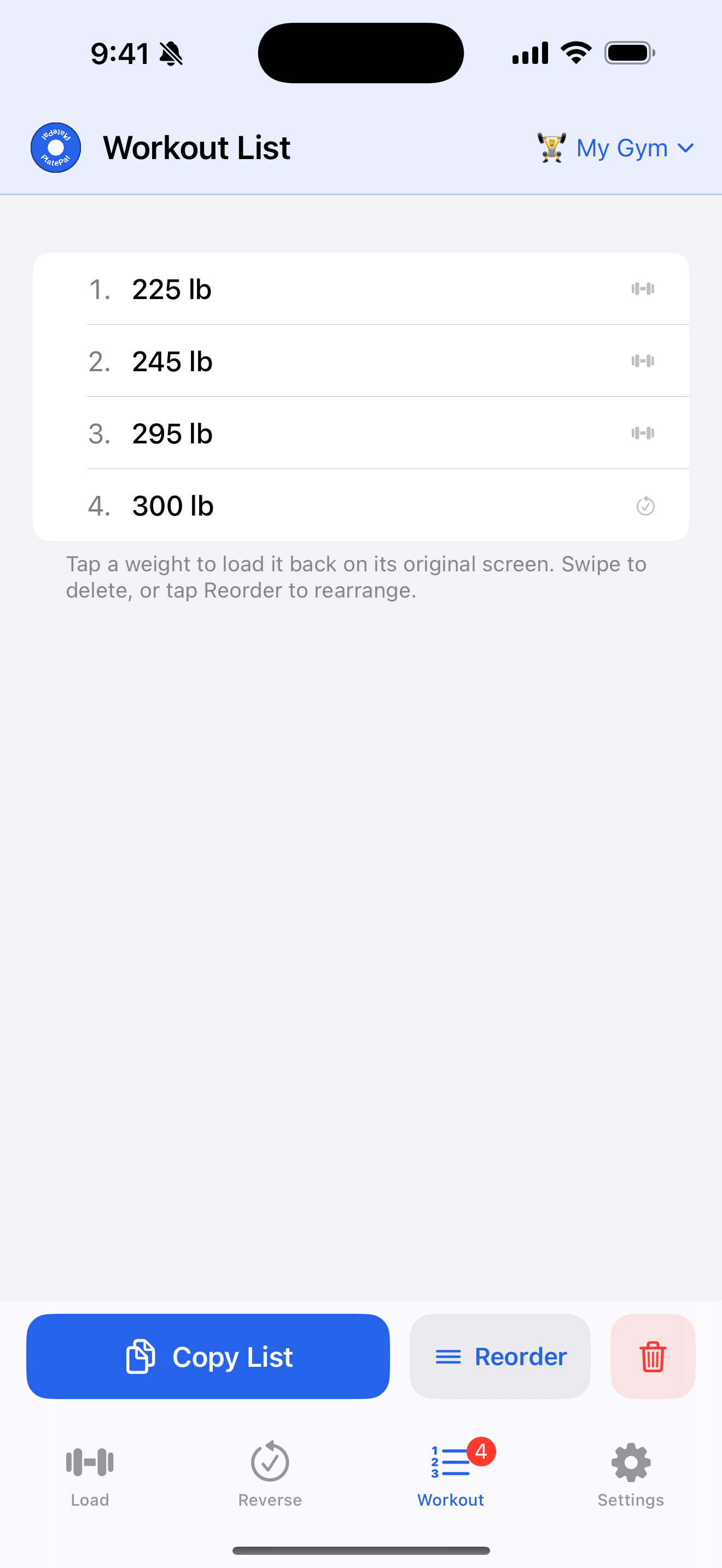
PlatePal workout list

Track Your Sets

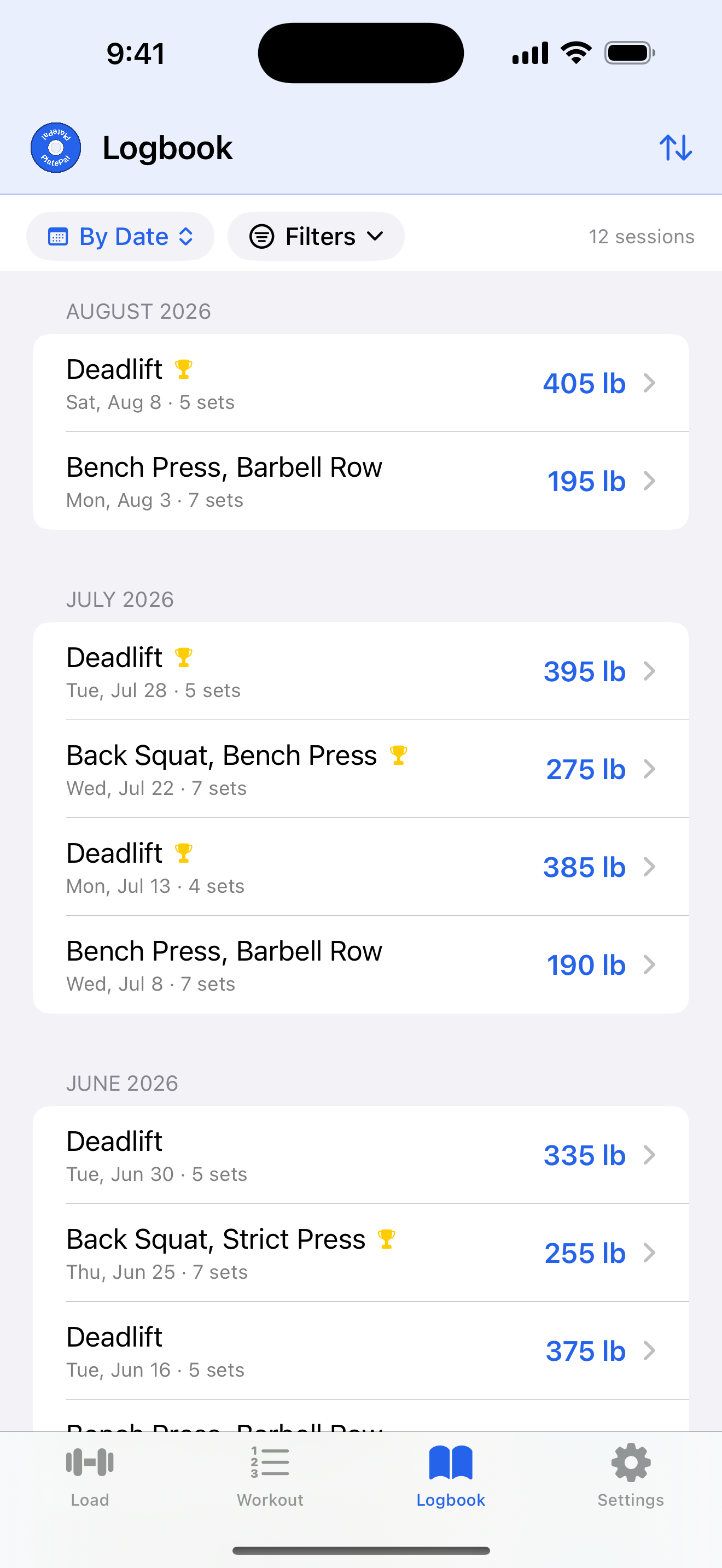
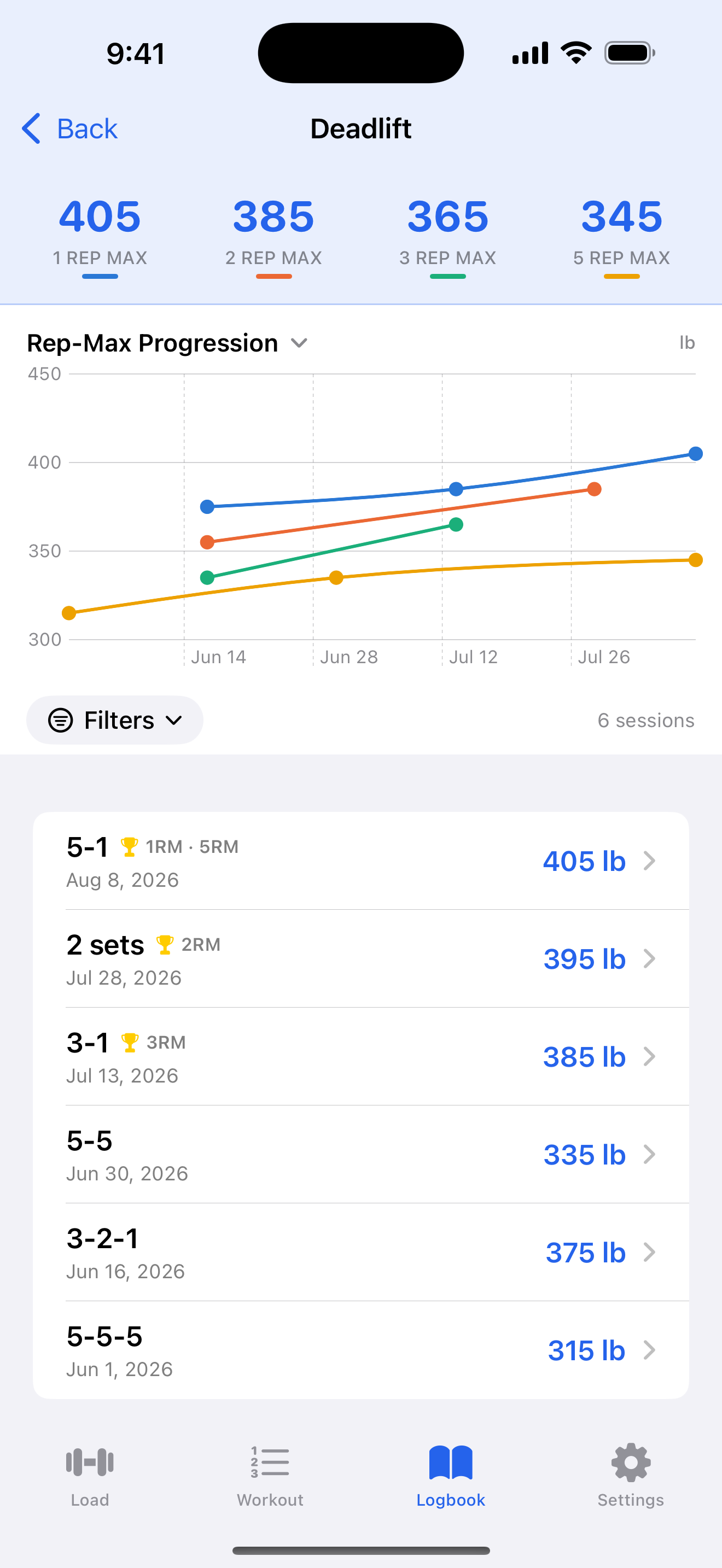
Log your session, grouped by lift.

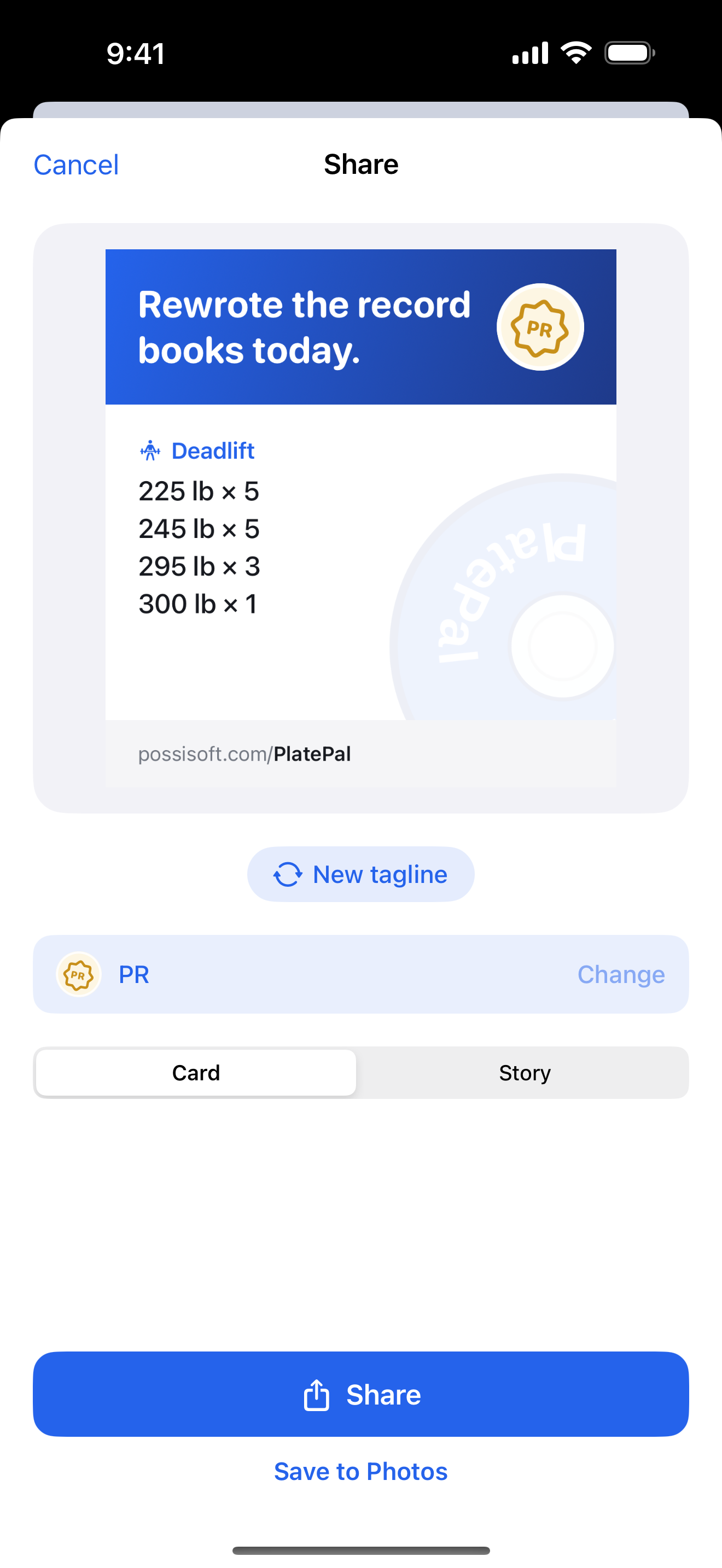
PlatePal share preview

Share

A branded card, ready to post.

Everything you need at your box or gym.

Built for CrossFitters, weightlifters and powerlifters who just want the answer fast.

Instant Calculation

Type your target weight and get the plate breakdown immediately. No buttons to press, no waiting.

PlatePal barbell visualization
Visual Barbell

See your loaded barbell drawn to scale with competition-standard plate colors. Load it right, every time.

Add Plates Mode

Building the bar by feel? Switch to Add Plates and tap plates to watch the total climb. Enter Weight and Add Plates share one working weight in a single Load tab, so swiping between them keeps your number.

Ask Siri

“How do I load my barbell in PlatePal?” Siri asks your target weight, then reads back and shows the exact plates per side for your active gym — in your units. Or have it open straight to the Load tab at that weight.

Plate inventory list
Plate Inventory

Tell PlatePal exactly what you own (or have unlimited access to at a gym) and calculations will only use plates you actually have.

lb & kg Support

Switch between Imperial and Metric at any time. Works with all standard barbell types including Olympic, Women's, and technique bars.

Convert Weight

Know the weight in a different unit than your gym uses? Enter it and PlatePal converts it, then offers the closest weights your plates can actually build — rounded up and down.

Workout List

Log the weights you hit as you go, reorder them, then copy the whole list to your gym app or share your session as a branded image card — post it to Instagram or Messages, or save it to Photos. Kept separately for each gym profile.

Pro
Multi-gym profile icon
Multi-Gym Profiles

Save separate plate inventories for every gym you train at: home rack, commercial gym, garage setup. Switch with a tap.

Pro
Percentage calculator icon
Percent Calculator

Tap “%” on the Load tab to see the nearest loadable weight at every percentage from 20% to 120%, built for percentage-based programming.

Pro
Custom plate colors
Custom Plate Colors

Your plates don't match the standard colors? Customize each denomination to match what's actually in your gym.

Pro
Multiple Barbells

Save every bar in your gym: Olympic, trap bar, women's bar, and more. Switch bars in a tap without touching your profile.

Free to use. Worth upgrading.

PlatePal's Load tab — enter a weight or build the bar plate by plate — plus the visual barbell, plate inventory, and the Workout List (log, copy, and share your session) are completely free. No time limits, no feature degradation, no ads.

Upgrading to Pro unlocks multi-gym profiles, multiple barbells, the percentage calculator, custom plate colors, and alternate app icons.

Download on the App Store Get Support